How To Make Logo with Photoshop using Grunge Texture

How To Make Logo with Photoshop using Grunge Texture

Video Tutorial | How to add grunge texture in photoshop and use that to your logo. it's a simple tutorial with video. You can learn how to make logo using grunge texture effect.
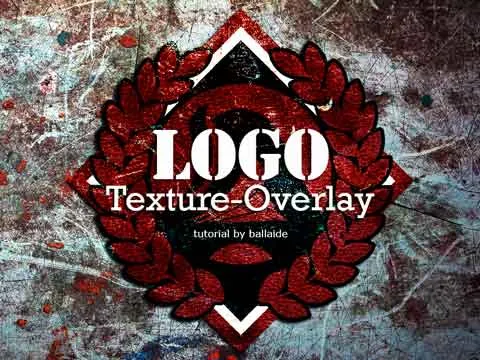
How To Make Logo with Photoshop

Before start the photoshop tutorial, You can download a Free source here -- Grunge Texture for Logo

search term:

  • how to add grunge texture in photoshop
  • how to create grunge texture in photoshop
  • how make grunge texture
  • grunge texture
  • grunge texture for photoshop
  • grunge texture overlay

We hope you enjoy this tutorial and increase your knowledge about how to add grunge textures in photoshop to give a strong effect on your logo.

SIMPLE TUTORIAL: Photoshop Textures and Overlays. Watch the Video!

SIMPLE TUTORIAL: Photoshop Textures and Overlays. Watch the Video!

How to use grain texture overlay to create a logo with a grunge effect in Photoshop. Combining textures with Logo using Photoshop Blend modes.

SIMPLE TUTORIAL: Photoshop textures and overlays

This 5-step easy tutorial can make you like a PRO graphic designer. Before action, Get free distressed texture at original blogpost

More Logo Effect you can make with this Photoshop Tutorials

  • Making logo with Texture Effect
  • Making logo with Overlay Effect
  • Making logo with retro grunge texture, and
  • Making logo with grain texture overlay
SIMPLE TUTORIAL Photoshop Textures and Overlays

Watch the video, it's a Simple tutorial!

This tutorial shows you 5-step easy way to Combining Photoshop Textures and Overlays. You have seen stylized logo everything and maybe not realized how simple it is to do this.